

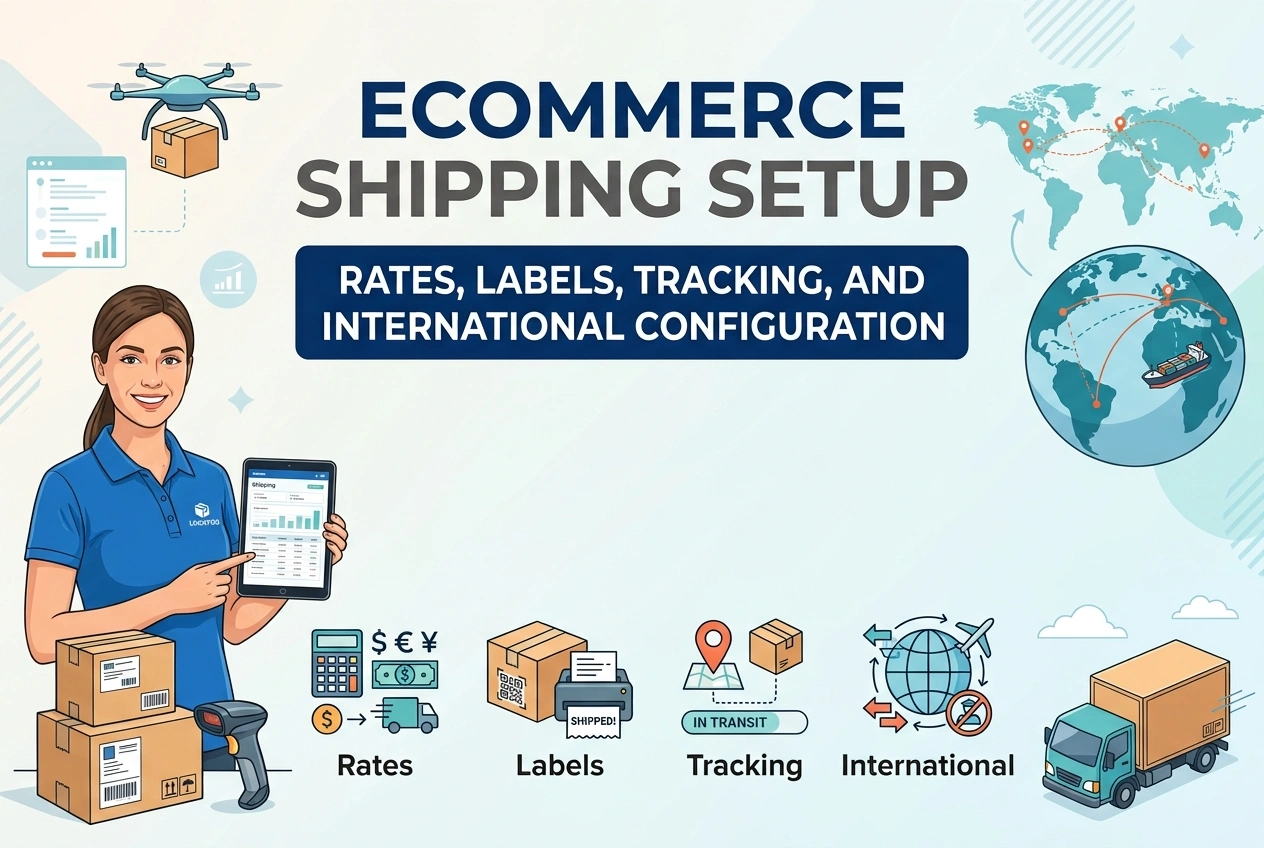
Ecommerce Shipping Setup: Rates, Labels, Tracking, and International Configuration
Shipping is where most store owners lose money. Charge too little and every order costs you profit. Charge too much and customers abandon checkout. Forget to send tracking numbers and you get angry emails every day. Ship internationally without proper configuration and packages get stuck in customs, returned, or abandoned.
This guide covers every part of shipping configuration. From setting domestic and international rates to generating labels, sending tracking automatically, and explaining duties clearly. Whether you fulfill orders yourself or use Printful, Printify, CJ Dropshipping, or any other supplier — this is the complete reference you need.
Part 1: Shipping Rate Strategies
Before configuring anything, decide which pricing model fits your store. There is no single correct choice — each has tradeoffs.
Strategy 1: Charge Exact Carrier Rates (Most Accurate)
Customer pays exactly what shipping costs you. Zero risk of losing money on shipping. Rates calculate automatically based on weight, dimensions, and destination.
- Best for: Self-fulfilled stores, heavy items, international sales
- Pros: Never lose money on shipping; fully automated; transparent pricing
- Cons: Shipping cost visible at checkout; may appear expensive on lightweight items
Strategy 2: Flat Rate Shipping (Simplest)
Fixed price per order or per product regardless of destination. Example: Standard Shipping $5.95 worldwide.
- Best for: Small items, domestic-only stores, low-cost products
- Pros: Simple to explain; no surprises; easy checkout
- Cons: Lose money on international or heavy orders; overcharge domestic customers
Strategy 3: Free Shipping Threshold (Highest Conversion)
Charge shipping on small orders, offer free shipping above order value. Example: Free shipping on orders over $50.
- Best for: Stores with average order value above $30
- Pros: Encourages larger orders; "Free Shipping" converts better than any discount
- Cons: You absorb shipping cost; must build it into product prices
Strategy 4: Build Shipping Into Price + Free Shipping
Calculate average shipping cost per destination, add it to product price, advertise free shipping everywhere.
- Best for: Print on Demand, dropshipping, stores with multiple suppliers
- Pros: Simplest checkout; no rate conflicts; highest conversion rate
- Cons: Price appears higher; you subsidize expensive orders
Part 2: Configure Shipping Rates by Platform
Shopify Shipping Setup:
- Go to Settings → Shipping and Delivery
- Click "Manage Rates" next to your shipping profile
- For each shipping zone (country or region):
- Add Rate → Choose "Set up your own rates" for flat rates
- Add Rate → Choose "Use carrier or app to calculate rates" for live rates from Printful, Printify, or carriers
- Set rate name, estimated delivery time, and cost
- Optionally add price-based or weight-based conditions
- Enable "Show estimated delivery dates" — builds trust
- Save and test checkout to domestic and international addresses
WooCommerce Shipping Setup:
- Go to WooCommerce → Settings → Shipping
- Add Shipping Zone: e.g., United States, Europe, Rest of World
- Add Shipping Method to each zone:
- Flat Rate — fixed cost per order
- Free Shipping — minimum order value or coupon requirement
- Live Rates — from Printful, Printify, or shipping plugins
- Set Shipping Classes if products have different shipping costs (e.g., bulky vs small items)
- Save. Test checkout from different location addresses.
Print on Demand / Dropshipping Stores:
Enable live shipping rates directly from your supplier dashboard. Printful, Printify, and CJ Dropshipping all push calculated rates to your store automatically based on product, quantity, and destination. This is the recommended approach — never guess shipping costs.
Part 3: Shipping Labels and Fulfillment
Self-Fulfilled Orders:
Buy and print shipping labels directly from your store dashboard. It is cheaper than buying at the post office and tracking numbers automatically sync.
- Shopify: Buy discounted USPS, DHL, and other carrier labels directly inside the Orders page. Print on thermal or standard printer.
- WooCommerce: Use plugins like WooCommerce Shipping & Tax or ShipStation to buy and print labels at discounted rates.
- Benefits: Save 20–40% on postage; tracking number automatically sent to customer; order marked fulfilled automatically.
Print on Demand / Dropshipping Orders:
Your supplier generates the label. You do not print anything. Confirm these settings:
- Enable "Auto-fulfillment" in supplier settings — they print label and ship automatically
- Enable "Send tracking notifications" — tracking number flows from supplier → your store → customer email automatically
- Verify sender address: Your business name as sender, not Printful/Printify. Build your brand, not theirs.
Part 4: Tracking Numbers and Customer Communication
Customers want to know where their order is. Tracking must be automatic, clear, and honest.
What Must Happen:
- Order shipped → tracking number generated
- Customer receives email: "Your order has shipped! Track here: [link]"
- Tracking link works and shows public-facing page (not login-required)
- Order marked "Fulfilled" in your store so you know it shipped
Platform Settings:
- Shopify: Enabled by default. When you enter tracking number → email sends automatically. Confirm in Settings → Notifications → Shipping Confirmation.
- WooCommerce: Enable in Settings → Emails → Customer Order Shipped. Or use supplier integration that sends tracking automatically.
- Printful/Printify/CJ: Enable "Send tracking emails" in integration settings. They send OR push tracking to your store so YOUR store sends the email. Recommended: Let your store send it — maintains your branding.
Tracking Page Recommendation:
Create a dedicated page on your website: "Track Your Order." Use a free tracking lookup tool or embed carrier forms. Customers stay on your site instead of visiting carrier websites. This builds trust and keeps them engaged with your brand.
Part 5: International Shipping Configuration
International shipping is where most disputes happen. Be transparent upfront. Surprise customs duties are the number one cause of buyer complaints and negative reviews.
What You Must Disclose BEFORE Checkout:
- Estimated delivery time: "10–25 business days" — not "2 weeks"
- Customs duties notice: "International orders may incur customs fees, taxes, or import duties upon delivery. These are the responsibility of the customer."
- Origin notice: "Ships from [country/region]. International shipping standards apply."
- Unsupported countries: List countries you cannot ship to. Do not accept orders you cannot fulfill.
HS Codes and Customs Declaration:
For international packages, customs forms require Harmonized System (HS) codes. These standardize product classification worldwide.
- Apparel: Chapter 61 or 62 — specific code by fabric and type
- Ceramic mugs: 6911.10
- Posters/paper: 4911.99
- Phone cases: 3926.90
Your supplier usually declares this automatically. If self-fulfilling, enter correct HS code on every product. Incorrect declaration causes delays, fines, or seizure.
Delivered Duty Paid vs Unpaid:
- DDP (Delivered Duty Paid): You collect estimated duties + tax at checkout. Customer pays nothing upon delivery. Most expensive setup but best customer experience.
- DDU (Delivered Duty Unpaid): Customer pays carrier directly upon delivery. Lower checkout price but surprise fees cause complaints. MUST disclose clearly.
Recommendation: Use DDU but DISCLOSE IT EVERYWHERE. Product page, shipping policy, cart page, checkout page. If you do not tell them, it is your fault when they get charged.
Part 6: Shipping Policy Template and Placement
Your Shipping Policy must be accurate and match your actual configuration. Copy and adapt this structure:
Standard Shipping Policy Sections:
- Processing Time: "Orders processed within 1–3 business days. Weekends and holidays excluded."
- Production Time (POD): "Print on demand items require 2–5 business days to produce before shipping."
- Domestic Shipping: "United States: Standard 5–10 business days after production. Express 3–5 business days."
- International Shipping: "Canada: 7–14 business days. Europe: 7–16 business days. Australia/Asia: 10–20 business days. These are estimates, not guarantees."
- Customs Notice: "International orders may be subject to customs duties and import taxes. These fees are determined by your local government and are the customer's responsibility. We have no control over these charges and cannot predict their amount."
- Multiple Items: "Items may ship separately with different tracking numbers to ensure fastest delivery."
- Lost or Delayed Packages: "If tracking shows delivered and you did not receive it, please contact your local post office. If tracking shows in transit beyond estimated time, contact us for assistance."
- Undeliverable Address: "Please ensure shipping address is complete and accurate before ordering. Packages returned due to incorrect address require new shipping fee to resend."
Where to Display Your Policy:
- Website footer — visible on every page
- Cart page — before checkout button
- Checkout page — before payment submit
- Order confirmation email — link included
Part 7: Common Problems and Solutions
- Customer refuses delivery due to customs fees: You did not disclose DDU clearly. Add notice at checkout and on product pages. Customers must agree to terms before buying.
- Shipping costs too high at checkout: Live rates not enabled or weight/dimensions missing. Verify every product has correct weight and dimensions entered so calculator works accurately.
- Tracking shows no updates: Carrier takes 1–3 days to scan and update. Set expectation: "Tracking may take 2–3 days to show movement."
- Package stuck in customs: Provide correct HS code and accurate value declaration. Low-value gifts declaration may help but must be truthful.
- Multiple suppliers show conflicting rates: Use live rates from each supplier OR build shipping into prices and offer free shipping. Do NOT mix flat rates with live rates.
Recommended Setup Checklist
- Choose pricing strategy: Live rates, flat rate, or free shipping threshold
- Configure shipping zones and rates in your store
- Enable live shipping rates from all suppliers
- Enable tracking notifications — sent from YOUR store
- Write accurate Shipping Policy including processing, production, and delivery times
- Add customs duties notice everywhere international buyers see it
- Test checkout to domestic and international addresses → verify rates and estimates appear
- Place test order → confirm tracking email sends and link works
Summary
- Rate strategy: Live rates = zero risk. Free shipping = highest conversion. Flat rate = simplest but risky internationally. Choose one and be consistent.
- Labels and tracking: Buy labels through your store for discounts. Enable automatic tracking emails. Always send tracking — customers will ask otherwise.
- International rules: Disclose DDU customs fees BEFORE checkout. Provide accurate HS codes. Set realistic delivery expectations.
- Policy transparency: State processing time, production time, shipping estimates, customs responsibility, and return conditions clearly. Surprises cause disputes.
- Test everything. Checkout from multiple locations. Verify rates. Confirm tracking flow. Fix gaps before they become complaints.
Shipping is not just about moving boxes. It is about managing expectations. Be honest about costs, be clear about timing, be transparent about customs, and send tracking automatically. When customers know exactly what to expect, shipping complaints disappear and your store builds a reputation for reliability.