

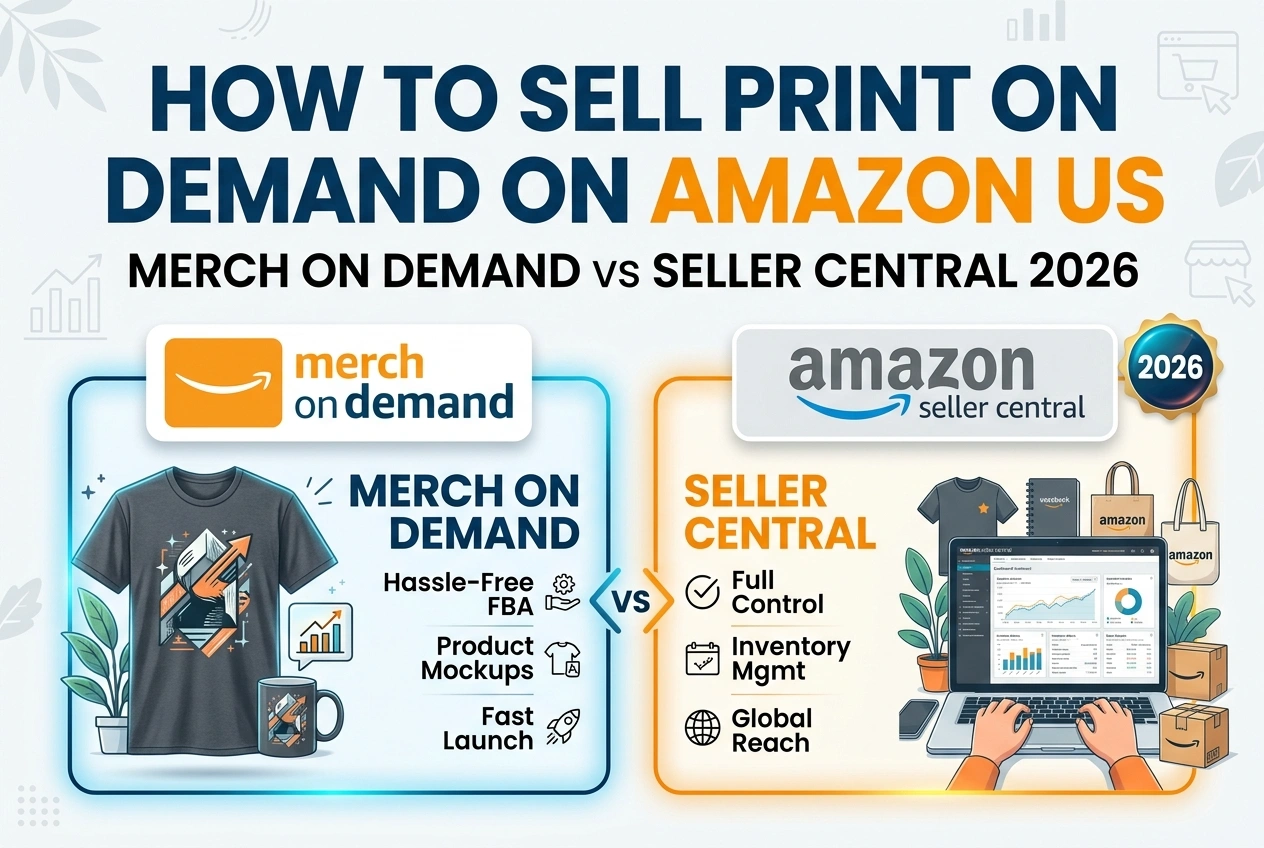
How to Sell Print on Demand on Amazon US: Merch on Demand vs Seller Central 2026
Amazon is the largest marketplace in the United States. Hundreds of millions of shoppers search and buy every day. Your designs can appear directly in those search results without you holding inventory, printing orders, or shipping packages. Two paths make this possible: Amazon Merch on Demand, where Amazon handles everything, and Seller Central integrated with Printful, Printify, or other suppliers. Each works differently, pays differently, and suits different types of sellers.
This guide explains both methods in full detail — approval requirements, product selection, fee structures, profit calculations, setup steps, and which approach builds a sustainable business.
Two Paths to POD on Amazon — Side-by-Side Overview
| Feature | Amazon Merch on Demand | Seller Central + Third-Party POD |
|---|---|---|
| How it works | Amazon prints, ships, and supports your designs | You list products; your supplier prints and ships |
| Approval Process | Invitation-only, review period required | Open registration — instant start |
| Upfront Cost | Free to join | $39.99/month Professional selling plan |
| Product Range | Amazon-selected items — limited but expanding | Full supplier catalog — wide variety |
| Design Control | Fixed templates — limited placement options | Full control — any placement, custom products |
| Pricing Control | Amazon sets price tiers — fixed royalties | You set all prices — full control |
| Profit Model | Royalty per sale — fixed amount | Retail price minus supplier cost minus Amazon fees |
| Branding | None — listed as Amazon product | Your brand name, custom packaging possible |
| Customer Service | Amazon handles all inquiries and returns | You or your supplier manage inquiries |
| Risk Level | Low — no inventory, no shipping, no cost until sale | Moderate — monthly subscription, performance metrics matter |
Path 1: Amazon Merch on Demand — Full Details
Amazon Merch on Demand is Amazon's native print on demand platform. You upload your design, choose a product type, set a price within Amazon's range, and publish. When a customer buys, Amazon prints, packs, ships, and handles all customer support. You earn a royalty. Zero upfront cost, zero inventory risk.
Eligibility and Approval
- Application is free but not instant. You submit business details and intended design categories. Review period ranges from a few days to several weeks. Approval is not guaranteed. Amazon prioritizes applicants with existing brand presence, website, or portfolio. Once approved, you start with tier limits — e.g., 10 designs live simultaneously. As you sell and maintain quality standards, your tier increases, allowing more live designs.
Available Products 2026
-
T-shirts — standard and premium fits
Hoodies and sweatshirts
Long-sleeve shirts
PopSockets phone grips
Phone cases
Tote bags
Throw pillows
Blankets
Mugs
Drinkware and accessories expanding gradually
Royalty and Pricing Structure
Amazon sets base prices. Your royalty is the difference between list price and Amazon's production + fulfillment cost.
Example Royalty — Standard T-Shirt (US):
-
List Price: $19.99
Amazon Cost: $13.23
Your Royalty: $6.76 per sale
Higher price points yield higher royalties. Premium products pay more. You cannot set prices below Amazon's minimums.
Pros and Cons
Advantages:
-
No monthly fees — pay nothing until you earn
Amazon handles printing, shipping, support, returns
Prime badge on all listings — higher conversion
Built-in traffic — shoppers find your designs through search
Zero fulfillment complexity — upload and publish
Disadvantages:
-
Approval required — may take weeks or be denied
Limited product selection — only what Amazon offers
Fixed pricing — cannot compete on price or increase margins freely
No branding — no custom packaging, no brand building
Tier limits — start with small number of slots
Design templates only — limited placement options
Path 2: Seller Central + Third-Party POD — Full Details
You open an Amazon Seller Central account, list products with your descriptions and pricing, connect Printful, Printify, Teelaunch, or another supplier. When an order comes in, it routes automatically to your supplier. They print and ship. You keep the profit difference minus Amazon's selling fees.
Getting Started
- Register for Amazon Seller Central — choose Professional Plan ($39.99/month) for unlimited listings Complete seller verification — government ID, business info, bank account Connect your POD supplier via API: Printful, Printify, or CJ Dropshipping all integrate directly Create products in supplier dashboard → sync to Amazon → list and publish
Amazon Fees You Must Know
-
Professional Plan: $39.99/month
Referral Fee: 15% typically — deducted from every sale amount
Fulfillment Fee: None — you handle shipping through supplier. Enter your supplier's shipping cost into listing settings.
Other fees: Variable closing fee on media categories; advertising costs optional
Profit Calculation Example
Premium T-Shirt — Your Brand:
-
Sale Price: $29.99
Supplier Cost: $9.50 (includes production + shipping)
Amazon Referral Fee (15%): $4.50
Monthly Cost Allocation: ~$0.40 per sale at 100 sales/month
Your Profit: $15.59 per sale
Compare to Merch on Demand — significantly higher margin when you control pricing and supplier choice.
Pros and Cons
Advantages:
-
Instant approval — start selling immediately
Full product freedom — any item your supplier offers
Full pricing control — set your own margins, run sales, compete strategically
Brand building — your business name on listings and packaging
Scale across platforms — same supplier feeds Shopify, WooCommerce, Etsy, and Amazon
Unlimited growth — no tier limits
Disadvantages:
-
Monthly fee — $39.99/month regardless of sales
No Prime badge automatically — must apply for Seller Fulfilled Prime separately
Performance metrics matter — late shipping, cancellation, and response time affect account standing
More work — manage listings, inventory, and customer communication
Supplier delays affect your rating — choose reliable US-based suppliers
Which Path Should You Choose?
| Your Situation | Best Choice | Why |
|---|---|---|
| New seller, zero budget, testing designs | Merch on Demand | Free to start, zero risk, Amazon handles everything |
| Rejected from Merch on Demand | Seller Central + POD | Open access, no approval wait |
| Maximize profit per sale | Seller Central + POD | Control pricing = higher margins |
| Build a brand across multiple platforms | Seller Central + POD | Same products on Amazon, Shopify, Etsy — unified brand |
| Want Prime badge and Amazon traffic boost | Merch on Demand OR Seller Fulfilled Prime | Merch gets Prime automatically; SFP requires qualification |
| Unique products Amazon does not offer | Seller Central + POD | Supplier catalogs include mugs, posters, pet items, and more |
Recommended Setup Guides by Method
Getting Approved for Merch on Demand
- Go to merch.amazon.com → Click "Request Invitation" Prepare before applying: Have a portfolio or website showing your design style. Even a simple social media presence helps. Describe your niche specifically — "humorous pet designs for dog owners" beats "general t-shirts" Submit and wait — check email regularly. Approval emails land in promotions folder sometimes. If rejected: Apply again in 3–6 months with stronger portfolio. Or start Seller Central immediately.
Seller Central + POD Step-by-Step
-
Sign up for Seller Central Professional Plan — $39.99/month
Complete identity verification — this takes 1–3 days typically
Connect your supplier: Printful → Settings → Stores → Connect Amazon → Follow authorization steps
Create products in supplier dashboard → Sync to Amazon
Set prices: Supplier cost + Amazon fees + your profit margin = Listing Price
Write titles and descriptions with Amazon SEO in mind — include keywords customers search
Publish and monitor first 5 orders closely — confirm fulfillment and tracking flow
Amazon Listing Best Practices for POD
-
Titles: Keyword-rich, clear, and under 200 characters. Example: "Dog Lover T-Shirt, Funny Golden Retriever Owner Gift, Premium Cotton Tee"
Backend Search Terms: Fill all available keyword fields — use synonyms and related phrases customers search
Images: Use supplier mockups that look like real product photos. Clean background, natural lighting, multiple angles.
Pricing: Research similar listings. Price competitively but protect your margin. Never price below your actual cost plus fees.
Reviews: Encourage happy buyers to leave feedback. Amazon's algorithm favors listings with reviews.
Compliance: Never use copyrighted characters, brands, or trademarks in designs or listings. Amazon removes listings and suspends accounts swiftly.
Common Pitfalls to Avoid
-
Underpricing in Seller Central: Forgetting the 15% referral fee + monthly plan allocation eats all profit. Calculate before publishing.
Ignoring Amazon's Content Policies: Merch on Demand rejects designs for offensive language, copyrighted material, or low quality. Read guidelines before uploading.
Slow fulfillment in Seller Central: Amazon expects shipping confirmation within 1–2 business days. Choose fast suppliers. Delays hurt your seller rating.
Merch on Demand Tier Cap: When you hit your design limit, remove underperforming designs to free slots. Focus on what sells.
Relying on Amazon alone: Build your own store alongside Amazon. Platforms change rules — your website is your permanent asset.
Summary
-
Merch on Demand = Free, easy, zero risk. Amazon handles everything. Lower profit per sale, limited products, approval required. Best for beginners and passive income.
Seller Central + POD = Full control, higher margins, unlimited products, instant start. Monthly fee, more management, Prime not automatic. Best for serious sellers and brands.
Do both: Many successful sellers run Merch on Demand for passive volume while building higher-margin brand products through Seller Central.
Protect your account: Original designs only, fast shipping, accurate listings, respond to buyers. Amazon suspends first, asks questions later.
Track performance: Rank, sales, reviews. Double down on what sells. Remove what does not. Iterate and grow.
Amazon is the world's largest storefront — but it is a rented storefront. Use it to reach millions, but build your brand, collect customer emails, and own your relationship with buyers. That is how you turn Amazon sales into a lasting business.